

近期查看的产品
EBP 100
建筑工程规范
选择一个产品编号:
复制文本
已复制!
发生错误。请稍后重试。
EBP 100
- Provide an eBUS enabled, two-gang button panel for the purpose of remotely controlling, monitoring and troubleshooting connected AV equipment and AV systems when paired with an Extron IPCP Pro series control processor.
- Fully-customizable eBUS enabled button panel interface.
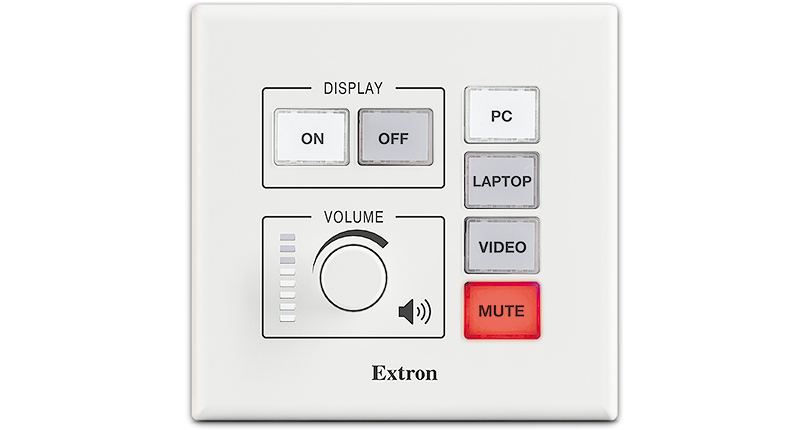
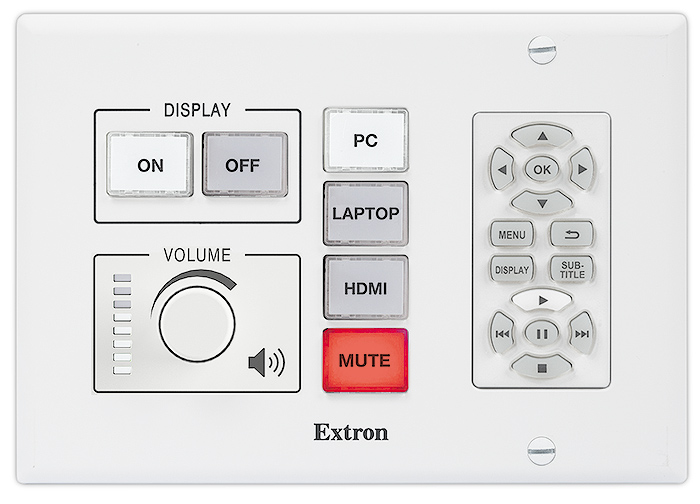
- Device shall have a total of six dual color LED backlit buttons, four dedicated for input selection and the remaining two dedicated for power.
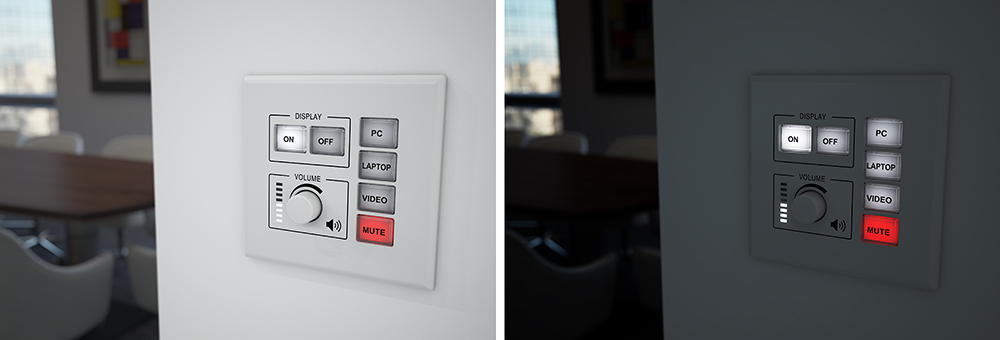
- Buttons shall illuminate white or red, depending on function, for ease of use in low-light environments.
- Buttons shall feature two levels of illumination, dim and bright
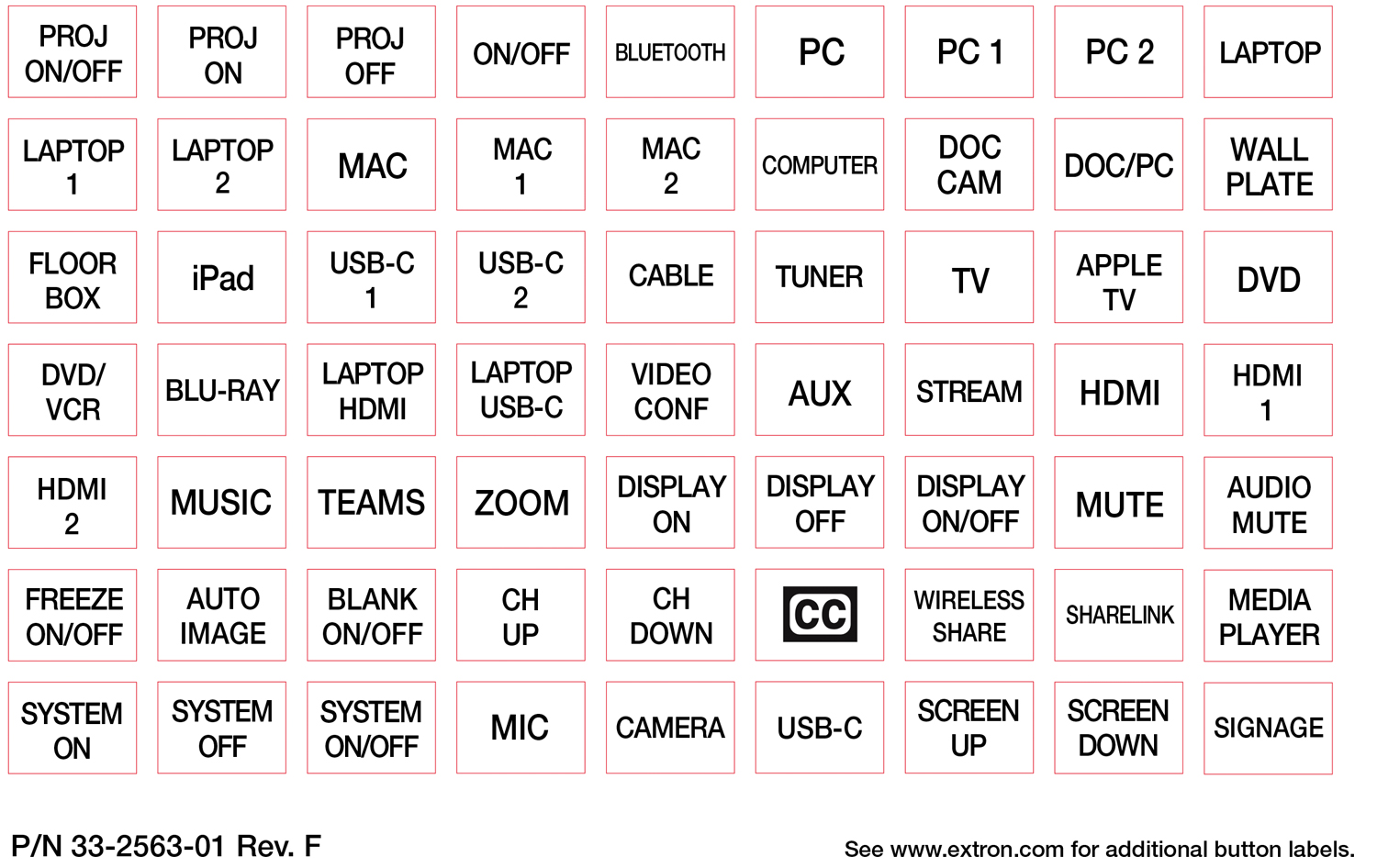
- Buttons shall feature removable button caps allowing them to be custom labeled for easy identification.
- Device shall provide a rotary encoder knob located in the bottom left of the panel that can be configured to control the audio level of an AV system.
- Device shall feature eight white LEDs arranged vertically located adjacent to the rotary encoder. When configured, these LEDs shall provide visual feedback to reflect the relative audio level of the AV system.
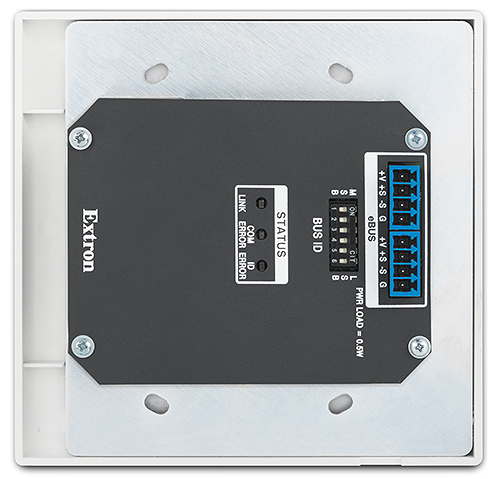
- Provide two eBUS ports on 4 pole captive screw connectors located on the back of the button panel that allows communication to the control processor and for control system expansion.
- Device shall feature a six pole dip switch for assigning a unique Bus ID to the button panel.
- Device shall include a reset button that allows for the reset back to original factory settings.
- Device shall feature a BUS Diagnostic Status LED that will be used as a visual indication that the eBUS panel is communicating properly to the control processor.
- Device shall be Section 508 compliant and shall meet or exceed U.S. accessibility standards for Electronic Information Technology.
- Device maybe wired using the following topologies: Daisy Chain, Star and Hybrid.
- The cable length of a topology may not exceed a sum total 1,000 feet.
- eBUS supports a maximum of eight devices when using Global Configurator Plus or Professional
- eBUS supports the following cabling types:
- Extron STP20-2 Cable
- CAT5e or CAT 6 cable, the cable must be 23 AWG solid copper wire.
- eBUS supports power and communication over a single cable.
- Supports a web-based AV resource management application that provides a means to manage, monitor, and control AV equipment.
- Device shall be controllable using an iPad that is running an iPad App as a secondary point of control.
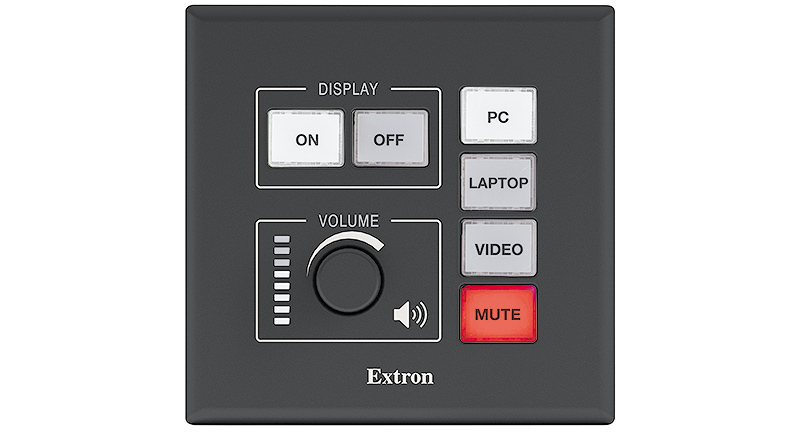
- Device shall include both white and black faceplates.
- Device shall have a total of six dual color LED backlit buttons, four dedicated for input selection and the remaining two dedicated for power.
- Mounting requirements
- Device shall have the ability to be mounted directly in a wall, lectern, or other flat surface and shall be able to be secured using the supplied mud ring and hardware.
- Device shall have the ability to be mounted to the surface of a wall using an optional wall box.
- Software requirements
- Device shall be configured using Global Configurator Plus or Global Configurator Professional with support for the following:
- Provide the ability to create E-mail notifications
- Provide the ability to create schedules and monitors
- Buttons will support the following button events:
- Press
- Release
- Press and hold
- Press and hold causing a repeating action
- Toggle
- Multi-Press
- Device shall be configured using Global Configurator Plus or Global Configurator Professional with support for the following:
- Shall meet regulatory compliances
- CE
- c-UL
- UL
- C-tick
- FCC Class A
- ICES
- VCCI class A
- Product Warranty
- Shall provide at least 3 years parts and labor
- Approved device shall be the Extron EBP 100 part number 60-1388-01; no alternates or equals
- Fully-customizable eBUS enabled button panel interface.
EBP 100
- Provide an eBUS enabled, two-gang button panel for the purpose of remotely controlling, monitoring and troubleshooting connected AV equipment and AV systems when paired with an Extron IPCP Pro series control processor.
- Fully-customizable eBUS enabled button panel interface.
- Device shall have a total of six dual color LED backlit buttons, four dedicated for input selection and the remaining two dedicated for power.
- Buttons shall illuminate white or red, depending on function, for ease of use in low-light environments.
- Buttons shall feature two levels of illumination, dim and bright
- Buttons shall feature removable button caps allowing them to be custom labeled for easy identification.
- Device shall provide a rotary encoder knob located in the bottom left of the panel that can be configured to control the audio level of an AV system.
- Device shall feature eight white LEDs arranged vertically located adjacent to the rotary encoder. When configured, these LEDs shall provide visual feedback to reflect the relative audio level of the AV system.
- Provide two eBUS ports on 4 pole captive screw connectors located on the back of the button panel that allows communication to the control processor and for control system expansion.
- Device shall feature a six pole dip switch for assigning a unique Bus ID to the button panel.
- Device shall include a reset button that allows for the reset back to original factory settings.
- Device shall feature a BUS Diagnostic Status LED that will be used as a visual indication that the eBUS panel is communicating properly to the control processor.
- Device shall be Section 508 compliant and shall meet or exceed U.S. accessibility standards for Electronic Information Technology.
- Device maybe wired using the following topologies: Daisy Chain, Star and Hybrid.
- The cable length of a topology may not exceed a sum total 1,000 feet.
- eBUS supports a maximum of eight devices when using Global Configurator Plus or Professional
- eBUS supports the following cabling types:
- Extron STP20-2 Cable
- CAT5e or CAT 6 cable, the cable must be 23 AWG solid copper wire.
- eBUS supports power and communication over a single cable.
- Supports a web-based AV resource management application that provides a means to manage, monitor, and control AV equipment.
- Device shall be controllable using an iPad that is running an iPad App as a secondary point of control.
- Device shall include both white and black faceplates.
- Device shall have a total of six dual color LED backlit buttons, four dedicated for input selection and the remaining two dedicated for power.
- Mounting requirements
- Device shall have the ability to be mounted directly in a wall, lectern, or other flat surface and shall be able to be secured using the supplied mud ring and hardware.
- Device shall have the ability to be mounted to the surface of a wall using an optional wall box.
- Software requirements
- Device shall be configured using Global Configurator Plus or Global Configurator Professional with support for the following:
- Provide the ability to create E-mail notifications
- Provide the ability to create schedules and monitors
- Buttons will support the following button events:
- Press
- Release
- Press and hold
- Press and hold causing a repeating action
- Toggle
- Multi-Press
- Device shall be configured using Global Configurator Plus or Global Configurator Professional with support for the following:
- Shall meet regulatory compliances
- CE
- c-UL
- UL
- C-tick
- FCC Class A
- ICES
- VCCI class A
- Product Warranty
- Shall provide at least 3 years parts and labor
- Approved device shall be the Extron EBP 100 part number 60-1388-01; no alternates or equals
- Fully-customizable eBUS enabled button panel interface.
把商品添加到购物车
Order Message Number
产品编号
注: 使用通用交流电源插座的 Extron 产品可支持多种不同的交流电源插头类型。在使用之前,确保设备满足您所在区域的所有规定要求,并符合所有应用的本地安全和电气规程及标准。
当前总计:
Annotation Graphics Processor
To view this page ensure that Adobe Flash Player version
11.0.0 or greater is installed and enabled.

 Chrome
 Firefox
 Edge
Edge
 Safari